

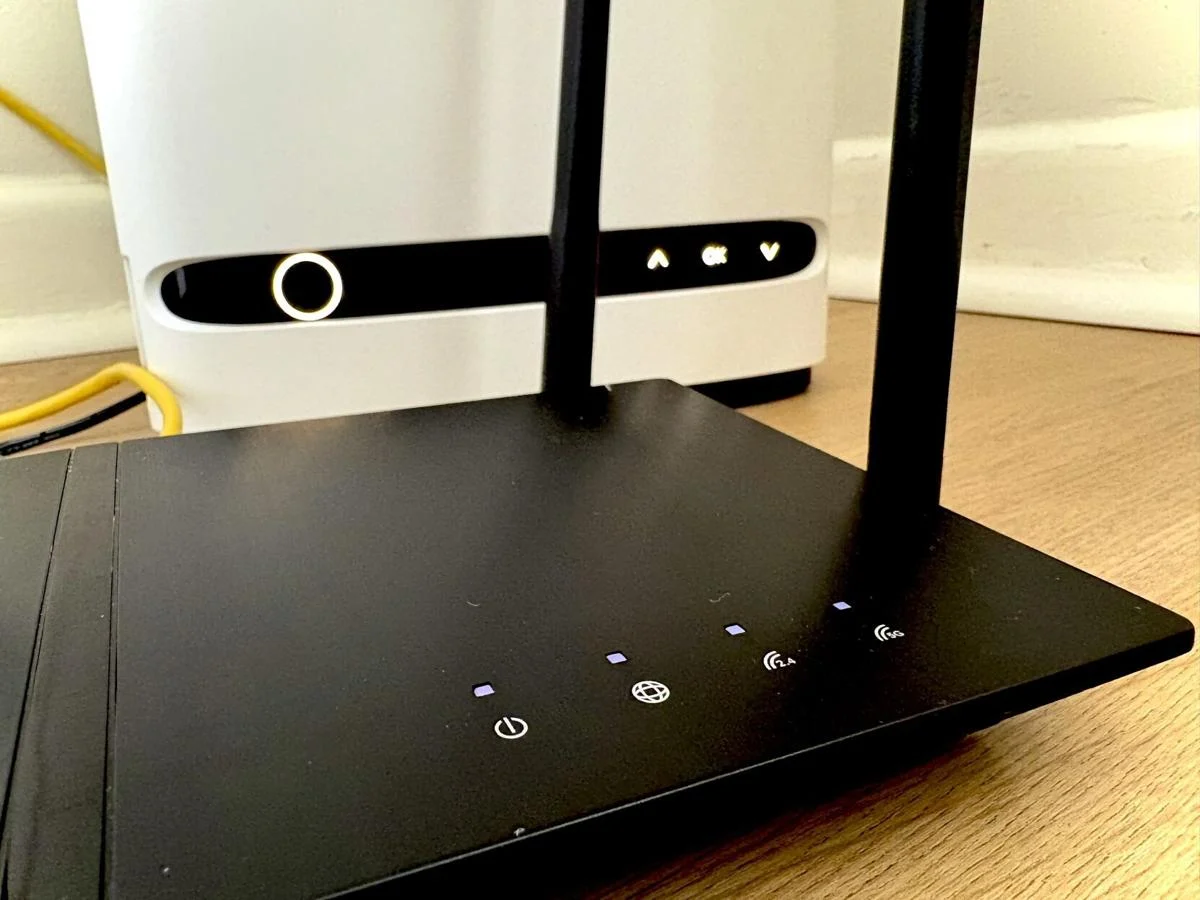
An Ontario cybersecurity expert is warning that one of the biggest security mistakes homeowners make is leaving their home Wi-Fi routers on default settings, making them easy targets for hackers.
Claude Leroux, head of Canadian solutions engineering and federal security strategy at Okta, says most home internet security breaches happen because people never change their router’s default passwords or security settings after installation.
“Your Wi-Fi router is the main gateway into your home network,” Leroux explained. “If it’s not secure, attackers may gain access to connected devices, personal information, and online activity without the homeowner even realizing it.”
Cybercriminals increasingly target home routers because they can secretly hijack the devices and use them as part of large “botnets” — massive networks of infected devices remotely controlled by hackers.
These botnets are often used to launch large-scale cyberattacks known as Distributed Denial of Service (DDoS) attacks, which overwhelm websites, government systems and companies with millions of fake internet requests.
Recent investigations by the Ontario Provincial Police and Sûreté du Québec uncovered details of a global cybercrime operation allegedly run from Canada involving hacked household devices such as routers, webcams and television boxes.
According to Leroux, many homeowners never notice their router has been compromised.
However, there are several warning signs that may indicate a hacker has gained access to a home network, including:
- Sudden slow or unstable internet speeds
- Unfamiliar devices connected to the network
- Router settings changing unexpectedly
- Redirects to suspicious websites
- Devices frequently disconnecting from Wi-Fi
Leroux advises anyone who suspects their router has been compromised to immediately restart the router, change both the Wi-Fi password and the router’s administrator password, and review connected devices to remove anything unfamiliar.
He also recommends updating the router’s firmware regularly to patch security vulnerabilities and disabling features like remote access and Wi-Fi Protected Setup (WPS) if they are not needed.
“If the issue continues, perform a full factory reset and set the router up again from scratch,” Leroux said.
Experts say strong passwords remain one of the most effective ways to protect a home network. Homeowners are encouraged to avoid simple or reused passwords and instead create unique, complex passwords for both their Wi-Fi connection and router administration panel.
Leroux says most households should update their Wi-Fi passwords at least once a year, or sooner if the password has been shared widely or suspicious activity is noticed.
Cybersecurity experts also warn that compromised routers can expose families to identity theft, phishing scams and privacy violations by allowing attackers to monitor online activity or redirect users to fake websites designed to steal personal information.
As more households rely on smart devices including televisions, security cameras, smart speakers and home automation systems, securing home internet networks has become increasingly important.
“Hackers look for the easiest targets,” Leroux said. “Simple steps like changing default passwords and keeping devices updated can dramatically reduce the risk.”